- -€7.00


15 days to change your mind


Mon-Fri 09:00-17:00

+31613071127

what other customers say about us

Our team is always ready to support you.


The update comes on a USB with an activation code.
What do we need in advance?
- a photo with the software version and device ID
During installation, the navigation system will ask for the activation code using a request code.
Please send us another photo of the screen with your device ID and the request code.
Secure payment
Order today, shipped within 24 hours
Return policy
15 days to change your mind
info@navi-carsystem.com
Opening hours
Mon-Fri 09:00-17:00
Whatsapp
+31613071127
Read up Trustpilot
what other customers say about us
Good service
Our team is always ready to support you.
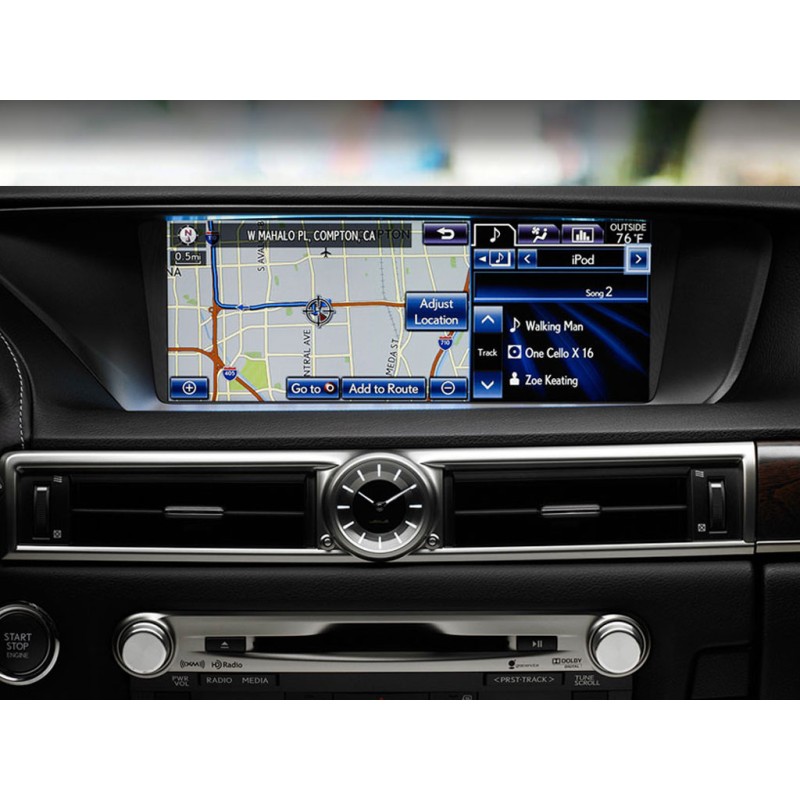
Only compatible with European Toyota vehicles:
The process is described step by step.
The update comes on a USB with an activation code.
What do we need in advance?
- a photo with the software version and device ID
During installation, the navigation system will ask for the activation code using a request code.
Please send us another photo of the screen with your device ID and the request code.