- -10%


15 days to change your mind


Mon-Fri 09:00-17:00

+31613071127

what other customers say about us

Our team is always ready to support you.

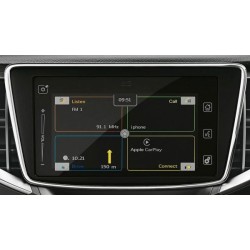
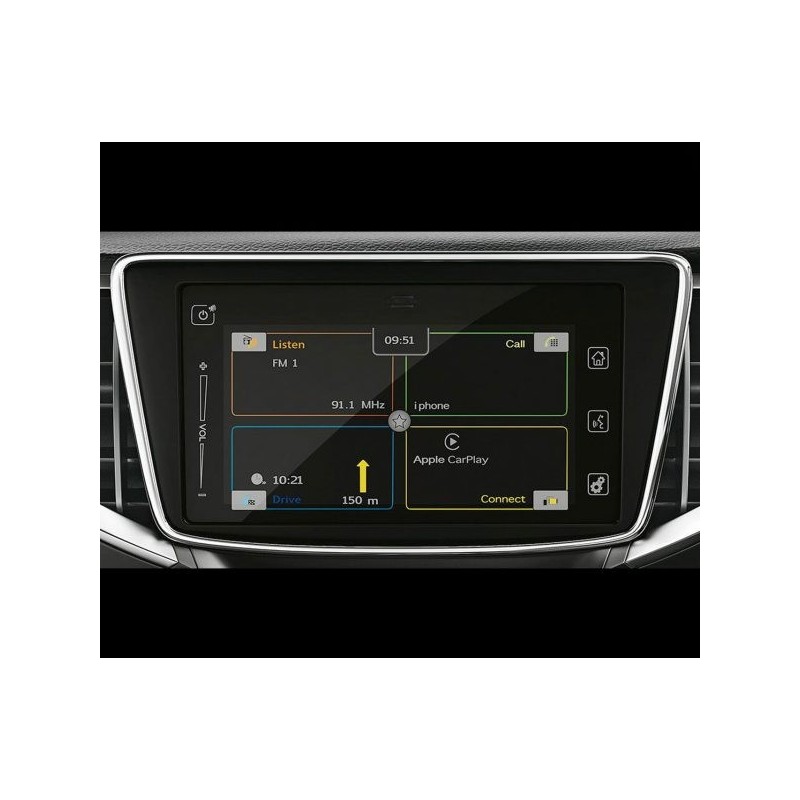
This firmware update is suitable for: Suzuki
Version 1891
* Bug fixes * Improvements
* CarPlay Support
* Android Auto Support
To see which version is installed on your radio, simply press the Settings button for about 10 seconds and then select Software Version.
Watch the videos below the description!
1. How do I check the software version?
2. How do I update the software (software 1891)?
Secure payment
Order today, shipped within 24 hours
Return policy
15 days to change your mind
info@navi-carsystem.com
Opening hours
Mon-Fri 09:00-17:00
Whatsapp
+31613071127
Read up Trustpilot
what other customers say about us
Good service
Our team is always ready to support you.
* Bug fixes
Improvements
* CarPlay support
* Android Auto support
Suitable for the following vehicles/models:
Installation :
1. Turn on your radio and insert the stick into the USB port.
2. After a short time, you should see a message that an update has been found.
3. Confirm the message and the update should now start.
4. To save the car battery, I would perform the update while the engine is running.
5. The update takes about 20 minutes.
1. How do I check the software version?
2. How do I update the software (software 1891)?
You might also like
This firmware update is suitable for: Suzuki
Version 1891
* Bug fixes * Improvements
* CarPlay Support
* Android Auto Support
To see which version is installed on your radio, simply press the Settings button for about 10 seconds and then select Software Version.
Watch the videos below the description!
1. How do I check the software version?
2. How do I update the software (software 1891)?